Custom Software Development vs Off-the-Shelf Software: Which Is Right for Your Business?
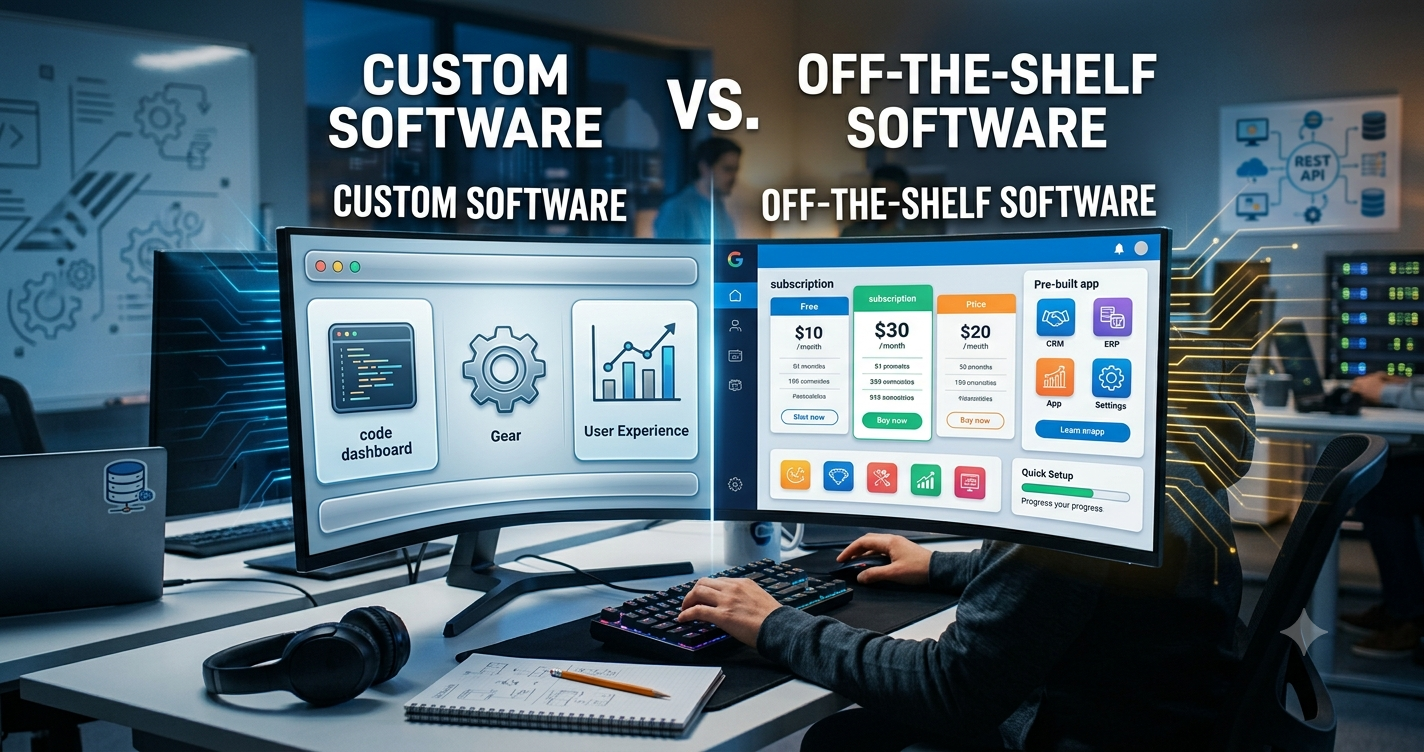
Choosing the right software is an important decision for any growing business. The right system can reduce manual work, improve productivity, organize business data and help teams make better decisions. However, businesses often face one important question: should they purchase an off-the-shelf software product or invest in custom software development?
Both options have advantages and limitations. Off-the-shelf software can provide ready-to-use features quickly, while custom software can be designed around the specific processes, requirements and future goals of a business.
In this guide, we will compare custom software development vs off-the-shelf software and explain the major factors businesses should consider before making a decision.
What Is Off-the-Shelf Software?
Off-the-shelf software is a pre-built software product developed for a broad group of businesses or users. It usually provides standard features that are designed to solve common business problems.
Examples can include accounting software, CRM systems, project management platforms, inventory applications, HR systems and communication tools.
The main advantage is that the software is already developed and can usually be configured and used without building the entire system from the beginning.
What Is Custom Software Development?
Custom software development involves creating a software application specifically for the requirements of a particular business, organization or workflow.
Instead of changing business processes to match an existing software product, custom software allows the application to be designed around the way the business actually operates.
Custom applications can include business management systems, ERP platforms, inventory management systems, production management software, customer portals, mobile applications and specialized automation systems.
Custom Software vs Off-the-Shelf Software
The main difference is flexibility. Off-the-shelf software generally provides a standard set of features, while custom software can be designed and developed according to specific business requirements.
| Factor | Custom Software | Off-the-Shelf Software |
|---|---|---|
| Customization | Designed around business requirements | Usually limited to available configuration options |
| Initial Cost | Usually higher | Usually lower |
| Implementation | Requires development and implementation | Generally faster to start |
| Scalability | Can be designed for future requirements | Depends on the product and available plans |
| Integration | Can be developed for specific integrations | Depends on available integrations and APIs |
| Ownership | Depends on the development agreement | Usually licensed as a software service or product |
| Updates | Managed according to the development and maintenance model | Usually managed by the software provider |
When Should You Consider Custom Software Development?
Custom software can be useful when standard software does not properly support your business processes or when your organization requires functionality that is difficult to achieve through configuration alone.
1. Your Business Has Unique Processes
Every business does not operate in the same way. A manufacturing company, garment business, distributor, healthcare organization and service company may have completely different workflows.
If your business has specialized processes that are difficult to manage using standard software, custom development can allow those workflows to be represented directly inside the application.
2. You Need Specific Features
Sometimes a business needs a combination of features that is not available in a standard product.
For example, a company may need inventory management, purchasing, production tracking, barcode management, warehouse operations, customer management and business reporting within one connected platform.
A custom application can be designed around these specific requirements.
3. You Need Multiple Systems to Work Together
Many businesses use several different applications for accounting, inventory, sales, customer management and other operations.
When these systems do not communicate effectively, employees may need to enter the same information multiple times.
Custom software can be developed with APIs and integrations to connect different business systems and reduce unnecessary manual data entry.
4. Your Business Is Growing
Software requirements often change as a business grows.
A small business may initially need only basic inventory and sales management. Later, it may require multiple warehouses, user roles, approval workflows, automated reports, mobile access, customer portals and advanced integrations.
When software is designed with future growth in mind, new modules and capabilities can be added as business requirements evolve.
Benefits of Custom Software Development
Better Business Fit
Custom software can be designed according to the company's actual workflows rather than requiring employees to completely change the way they work.
Greater Flexibility
Features, screens, permissions, reports and workflows can be developed according to business requirements.
Improved Integration
Custom applications can be designed to communicate with other systems through APIs, databases and third-party services where appropriate.
Scalability
A properly planned software architecture can support additional users, modules, locations and business processes as the organization grows.
Business-Specific Reporting
Businesses often need reports that are specific to their operations. Custom software can provide dashboards and reports based on the information management actually needs.
Limitations of Custom Software
Custom software is not automatically the right choice for every business. It also requires careful planning and investment.
Higher Initial Investment
Developing software specifically for a business generally requires more initial planning, design, development and testing than purchasing a ready-made product.
Longer Implementation Time
A custom application needs to be designed, developed, tested and deployed. Therefore, implementation may take longer than installing an existing software product.
Ongoing Maintenance
Custom software requires ongoing maintenance, security updates, bug fixes, performance monitoring and improvements.
Benefits of Off-the-Shelf Software
Faster Implementation
Because the software is already developed, businesses can generally start using it much faster than a completely new custom application.
Lower Initial Cost
For businesses with standard requirements, purchasing an existing software solution may require less initial investment than developing a new application.
Established Features
Many commercial software products already include commonly requested features, documentation, integrations and support resources.
Regular Product Updates
Software providers typically manage product updates, improvements and security patches according to their release process.
Limitations of Off-the-Shelf Software
Limited Customization
A business may need to change its processes to fit the software if the product does not support the exact workflow required.
Unnecessary Features
Some software products include many features that a particular organization may never use. This can make the application more complicated for employees.
Subscription Costs
Some software products use monthly or annual subscription pricing. Businesses should consider the total cost over several years rather than looking only at the initial price.
Vendor Dependency
When a business relies heavily on a third-party software provider, changes to pricing, features, product availability or policies can affect the organization.
How to Decide Which Software Is Right for Your Business
The right choice depends on your business requirements, budget, growth plans and operational complexity. Before selecting a solution, consider the following questions.
1. What Problems Are You Trying to Solve?
Start by identifying the actual business problems rather than choosing software based only on a list of features.
For example, your main problem could be manual inventory tracking, disconnected systems, production delays, poor reporting, duplicate data entry or inefficient approval processes.
2. Are Your Processes Standard or Unique?
If your business follows common processes, an off-the-shelf solution may provide the functionality you need.
If your workflows are highly specialized, custom software may provide greater flexibility.
3. What Is Your Long-Term Growth Plan?
Consider where the business is expected to be in the next three to five years. Think about additional users, locations, products, warehouses, customers, transactions and integrations.
4. What Integrations Do You Need?
Make a list of the systems that need to exchange information with your software. These could include accounting platforms, payment gateways, marketplaces, shipping systems, CRM platforms, email services or internal databases.
5. How Important Is Data Ownership?
Understand where your business data is stored, how it can be accessed and what happens to the data if you stop using the software.
6. What Is the Total Cost?
Do not compare only the initial development or subscription price.
Consider implementation, licenses, hosting, integrations, training, support, maintenance, upgrades and future development requirements.
Custom Software Does Not Always Mean Building Everything From Scratch
Custom software development does not necessarily mean creating every component from the ground up.
Modern development teams can use established frameworks, libraries, APIs and cloud services to build reliable applications more efficiently.
For example, a custom business application can combine a modern web framework, database system, authentication, cloud infrastructure and third-party APIs while still providing a user experience and workflow specifically designed for the business.
How a Custom Software Project Usually Works
1. Requirement Analysis
The development team first understands the company's business processes, problems, users and objectives.
2. Planning
The project scope, modules, technology, database structure and development roadmap are defined.
3. UI/UX Design
The screens and workflows are designed so employees can use the system efficiently.
4. Development
Developers build the application according to the approved requirements.
5. Testing
The system is tested for functionality, security, performance and usability.
6. Deployment
After testing, the application is deployed to the appropriate production environment.
7. Maintenance and Improvement
After launch, the software can be maintained and enhanced as business requirements change.
Common Mistakes Businesses Make When Choosing Software
- Choosing software only because it has a low initial price.
- Buying features that the business does not actually need.
- Ignoring integration requirements.
- Not considering future business growth.
- Failing to calculate the total cost of ownership.
- Ignoring user experience and employee adoption.
- Not checking data security and user permissions.
- Not planning for data migration.
- Failing to define clear implementation requirements.
Software Selection Checklist
Before choosing a software solution, use this checklist:
- Define your business requirements.
- Identify your most important workflows.
- List the users and departments that will use the system.
- Identify required integrations.
- Evaluate security and user permissions.
- Compare scalability.
- Compare implementation time.
- Calculate the total cost of ownership.
- Evaluate reporting and analytics capabilities.
- Check support and maintenance options.
- Consider future business requirements.
Conclusion
Choosing between custom software development and off-the-shelf software depends on the specific needs of your business.
Off-the-shelf software can be a practical option when your requirements are standard and you need a solution quickly. Custom software can be more suitable when your business has specialized workflows, complex integrations, unique reporting requirements or long-term scalability needs.
The most important step is to understand your business processes before choosing a technology solution. Instead of selecting software based only on price or the number of features, evaluate how well the solution can support your current operations and future growth.
Need Custom Software for Your Business?
Anne InfoTech develops custom software, web applications, ERP systems, inventory management solutions and business automation platforms designed around real business requirements.
If your business is using multiple systems, relying on manual processes or struggling with software that does not fit your workflow, a custom software solution may help create a more connected and efficient operation.